Please note: registering to the Plant Science Academy is a two-step process.
From the landing page, select the REGISTER button.

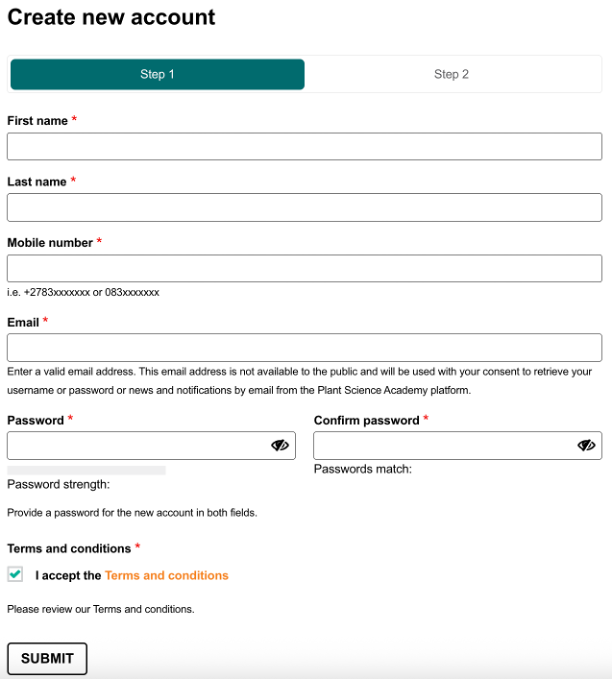
Step 1 - Insert your personal information
Step 2 - Insert your professional details
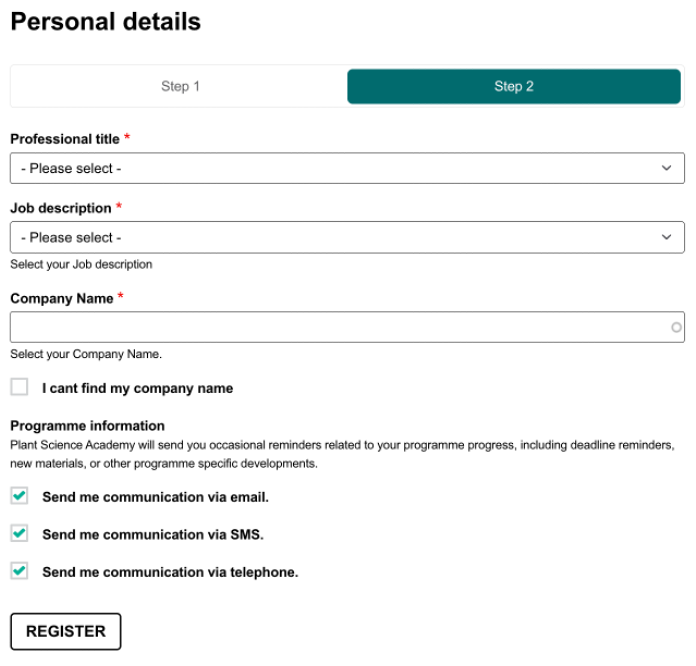
A few important details to note when inserting your details
- Make use of the descriptions in the content boxes or below them.
- Enter your details, our database picks-up duplicate mobile and association numbers.
When looking for your Company Name, when you start typing, the listed Companies in our database will appear in the dropdown list.
Image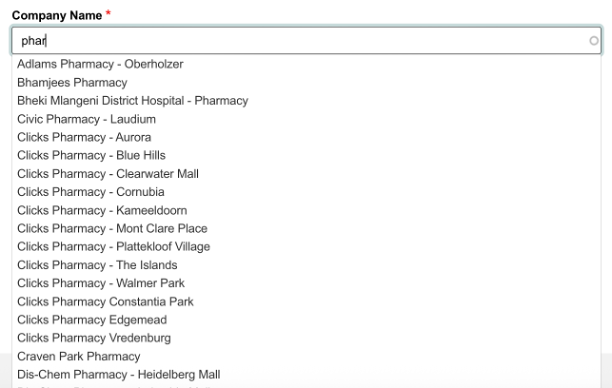
If your Company Name is not on the list, select the option “I can’t find my company”
Image
Once all your details are inserted in Step 1 and Step 2 click the ‘Register’ button.

After you have submitted your details, the information will be checked by the Plant Science Academy team. If you are approved, you will receive an email to your registered email address, confirming your membership to Plant Science Academy.